
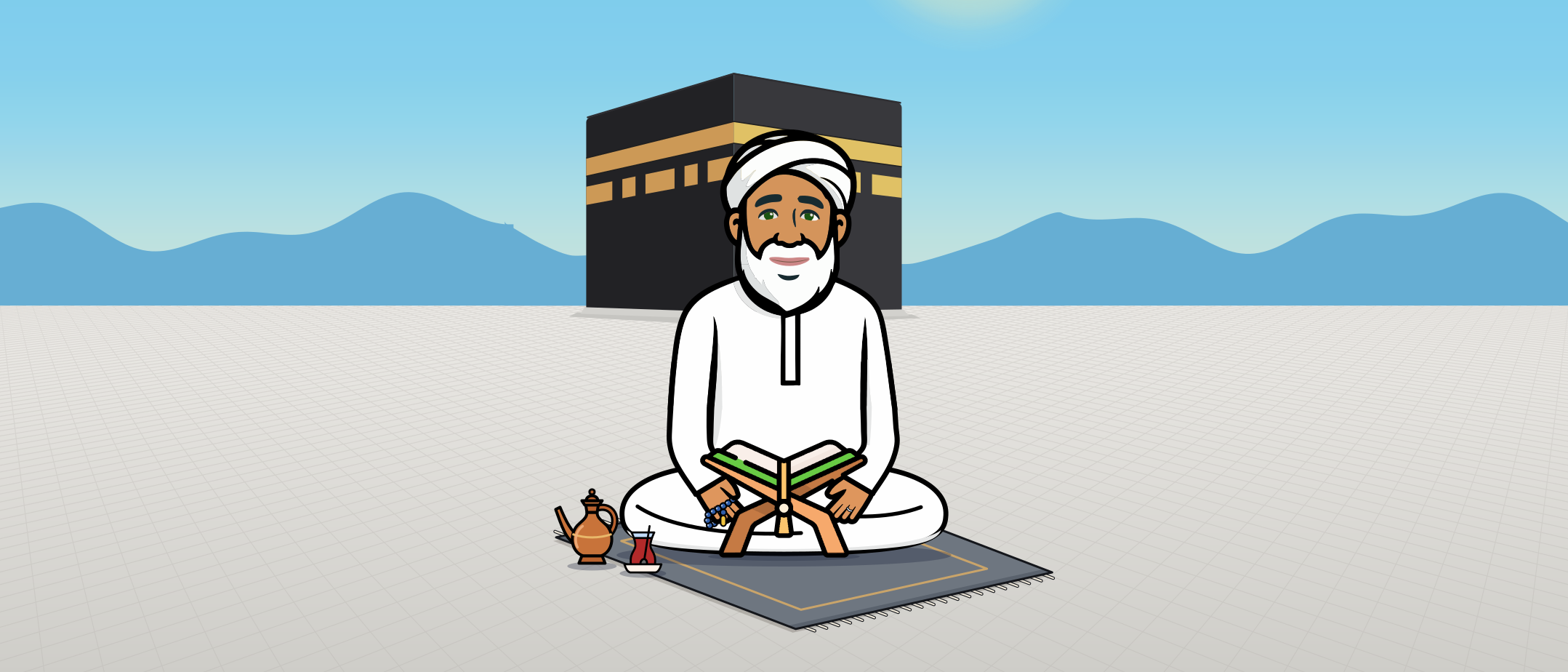
Your personal Sheikh
Talk or chat with him in your own language.


Day or night, he is here for you
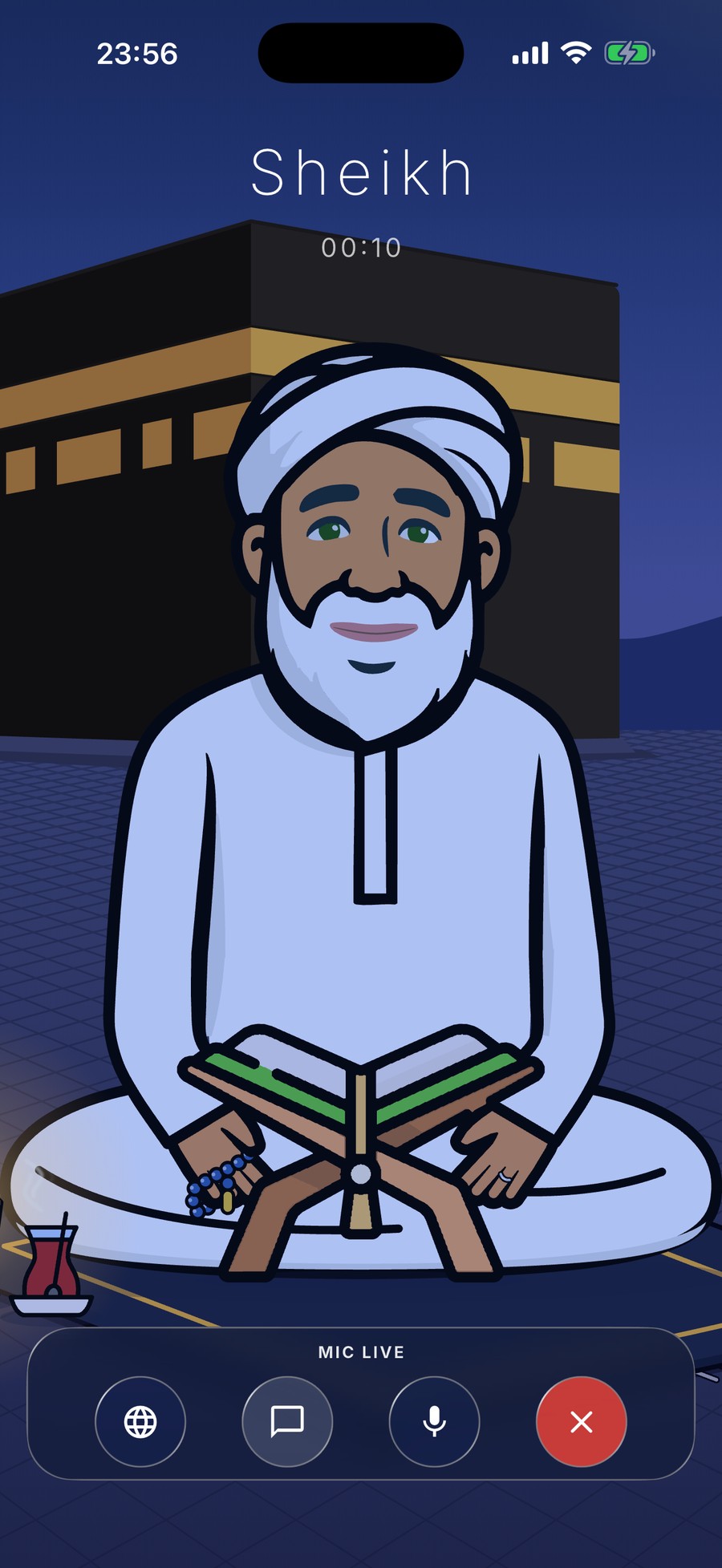
Talk to the Sheikh
Speak naturally, the way you would to a wise friend. He listens and answers out loud, in your own language.
- Voice conversations, no typing needed
- English, Arabic, Turkish, German, French, Spanish and Italian
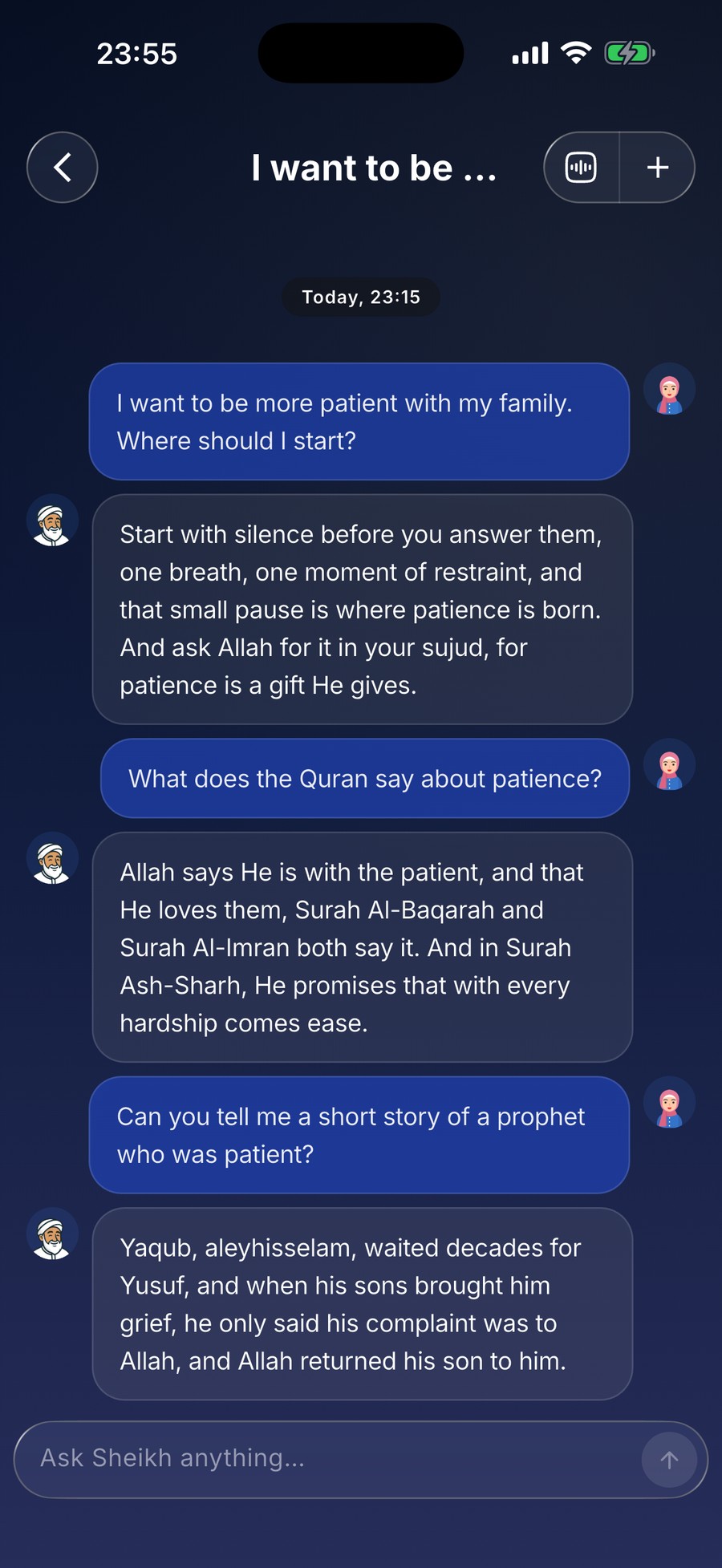
Ask him anything
Questions about prayer, family, worries or faith: the Sheikh answers warmly, from the Quran and Sunnah.
- He remembers what you shared and checks in on you
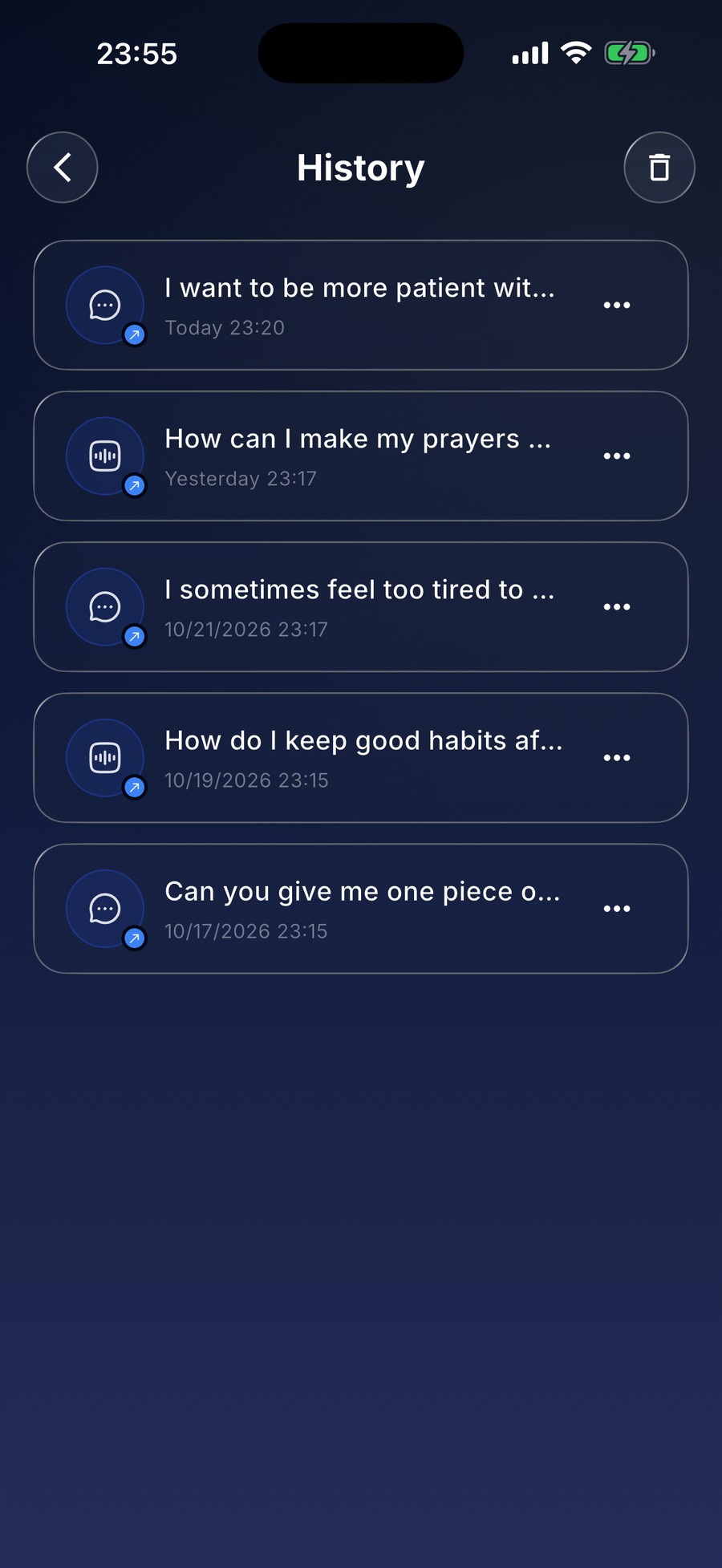
- Every chat and talk kept, to open and continue any time
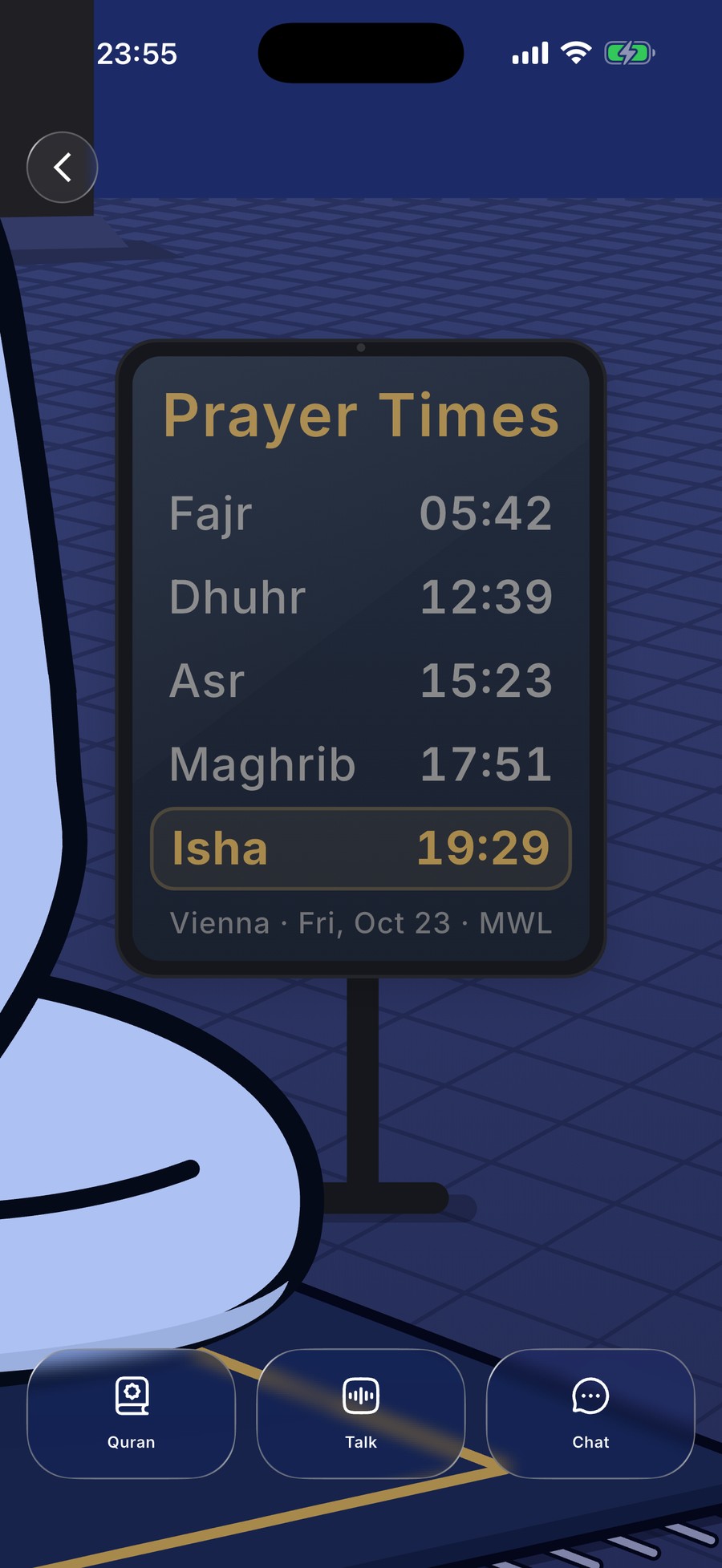
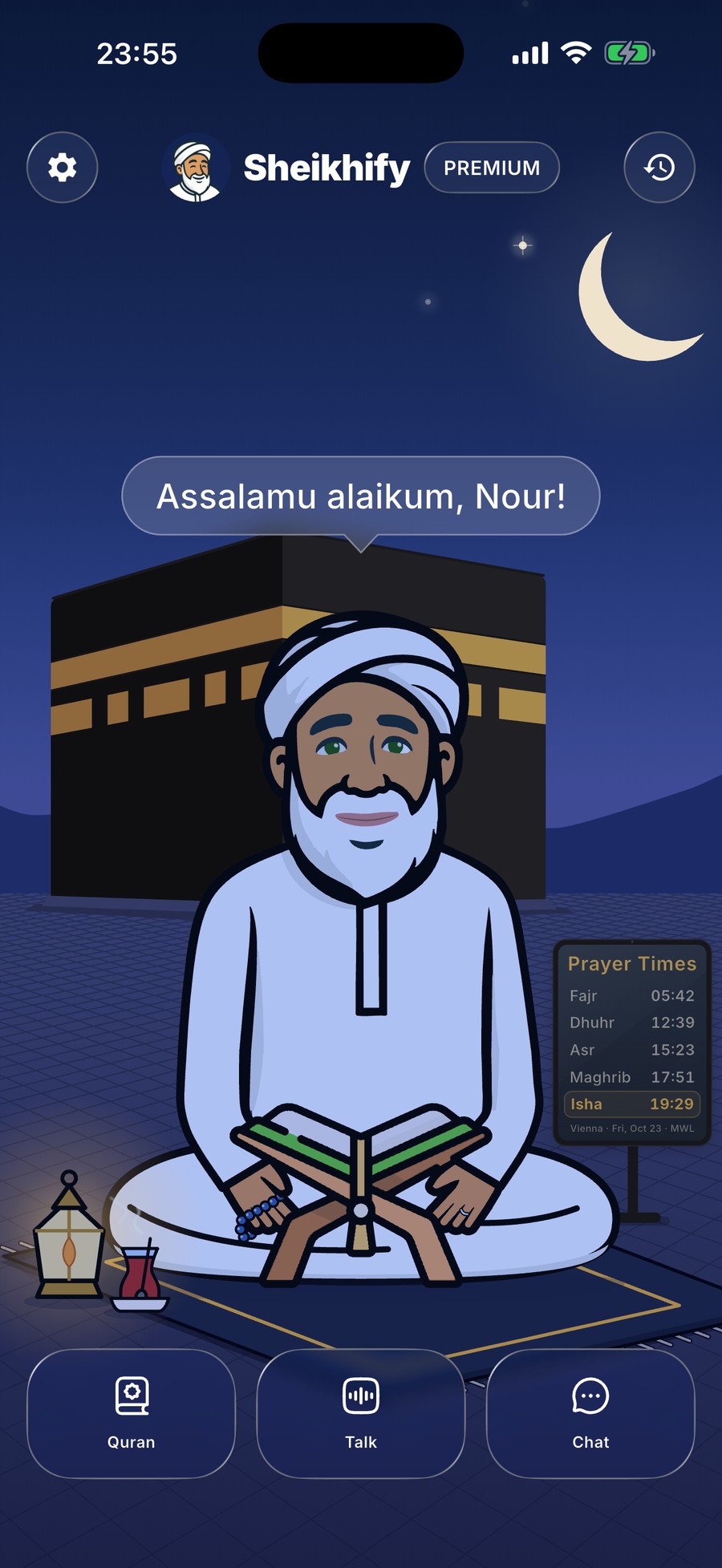
Your prayer times
Accurate times for your city, right beside the Sheikh, with a beautiful adhan when a prayer comes in.
- Pick your city once, the times follow every day
- The adhan plays in the app, and respects silent mode
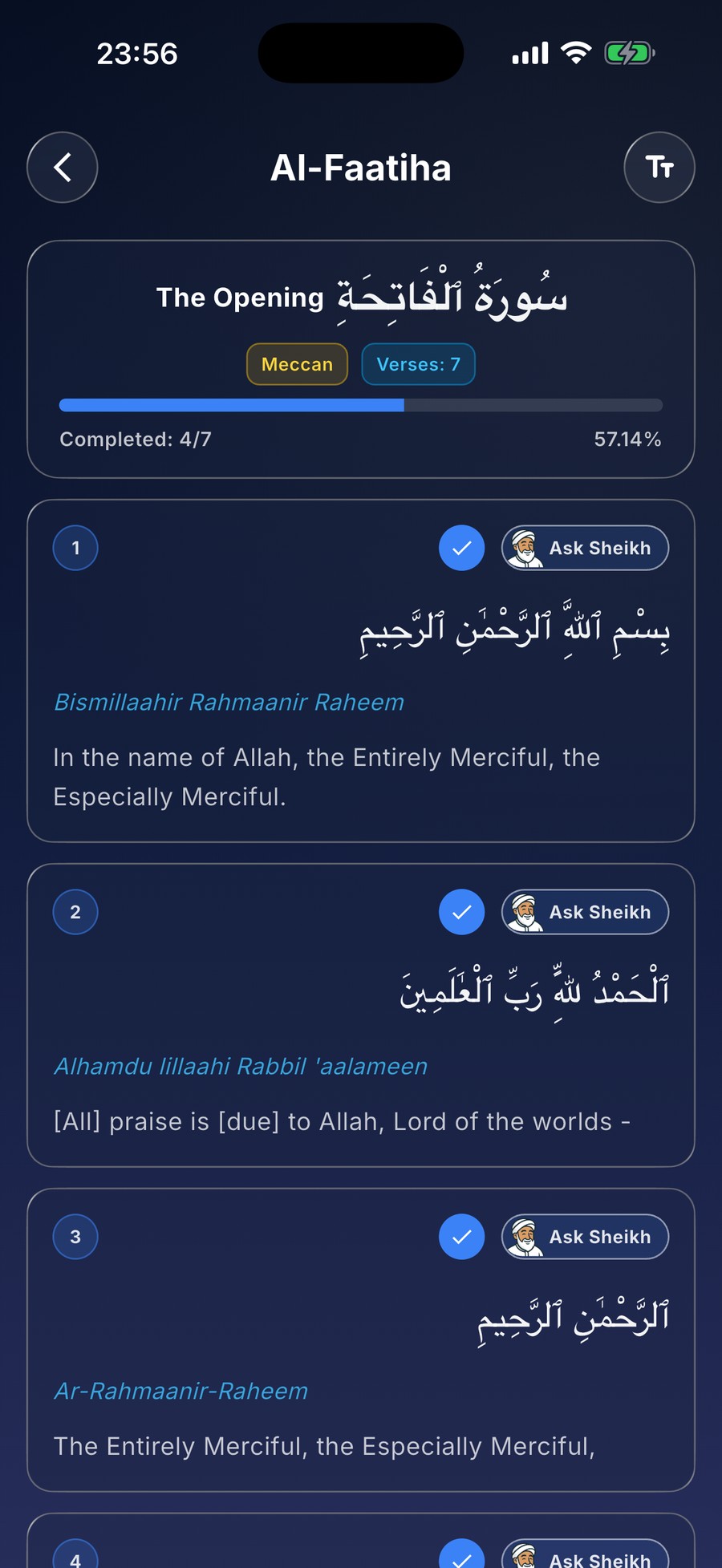
Read the Quran, ask about any verse
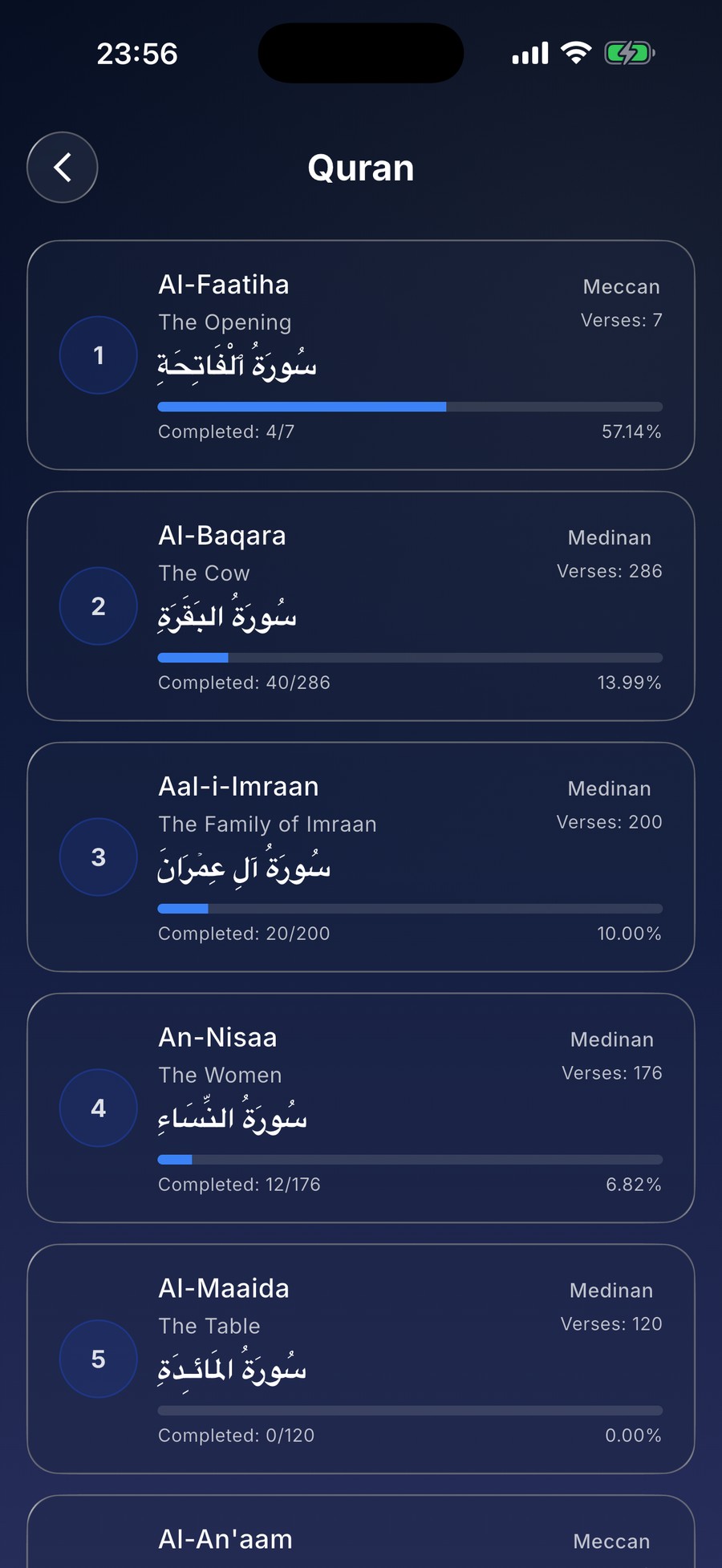
All 114 surahs in Arabic, with transliteration and translation. Tap Ask Sheikh on any verse and he explains it to you.
- Mark the verses you have read and track your progress
- Text size to suit your eyes
The whole app
Start free
Try the Sheikh for free. Premium removes the limits.
Free
- 50 chat messages and 20 talk turns, to get to know him
- Prayer times and the adhan
- The whole Quran, with your progress
Premium
- Chat and talk without limits
- Weekly, monthly or yearly, through the App Store or Google Play
- Cancel any time in your store account
Good to know
Is the Sheikh a real scholar?
No. The Sheikh is an AI, guided to answer from the Quran and Sunnah. He can help you learn and reflect, but he is not a mufti and gives no fatwas. For serious religious matters, please ask a qualified scholar.
Which languages does he speak?
English, Arabic, Turkish, German, French, Spanish and Italian, in chat and in talks.
How do I delete my account?
In the app, open Settings and choose Delete Account Permanently. Here is what that removes.